
Ad Scheduling for Local Service Ads: How to Stop Wasting Budget After Hours
If your ads are running 24/7, there’s a good chance part of your budget is getting burned at the wrong times. That’s why ad scheduling matters so much for home service businesses trying to generate better leads without wasting spend.
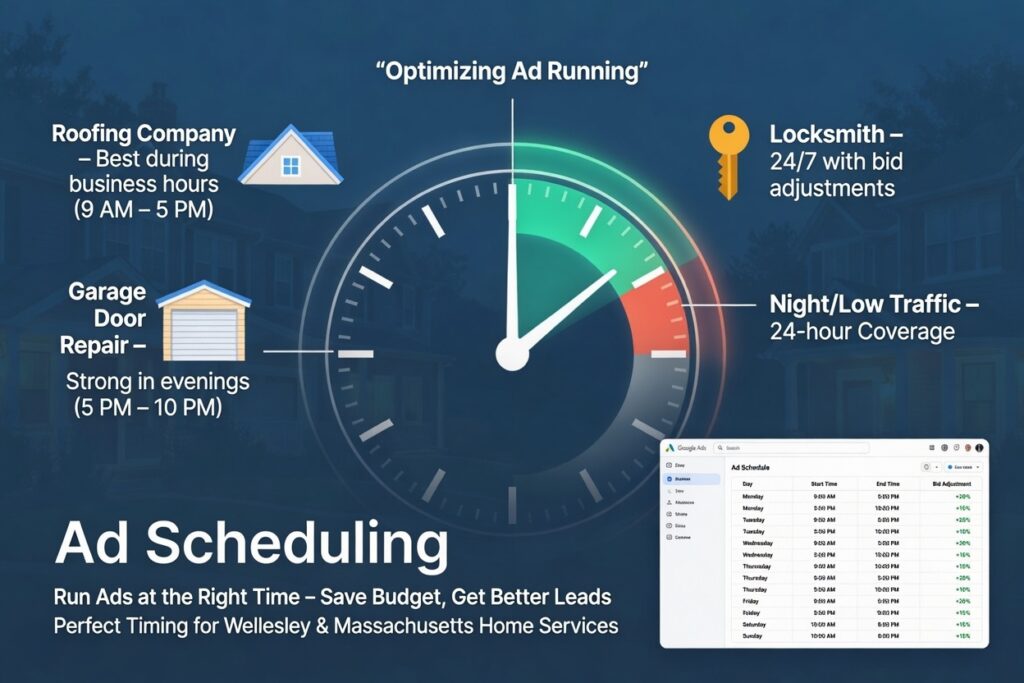
For home service businesses, timing matters. A roofing company may get strong leads during business hours. A garage door company might need evening coverage. A locksmith may want ads live around the clock, but with different bidding rules at different times.
That’s where ad scheduling comes in.
Used the right way, ad scheduling helps you show ads when people are most likely to call, book, or request a quote—and cut back when clicks are less likely to turn into real jobs.
What Is Ad Scheduling?
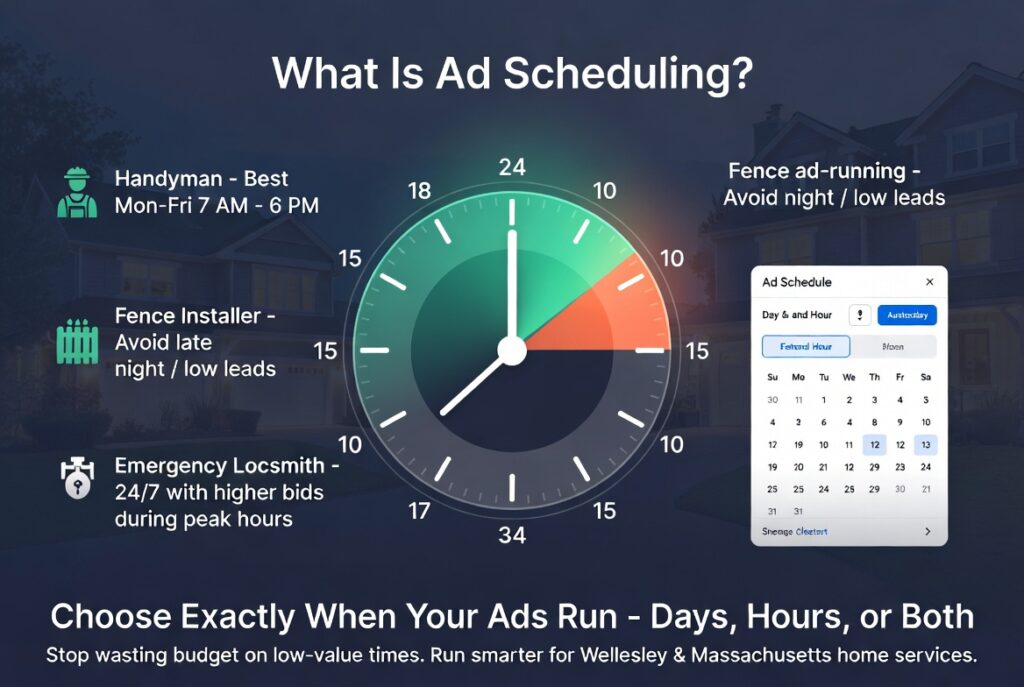
Ad scheduling means choosing exactly when your ads can run: certain days of the week, certain hours of the day, or both.
Most ad platforms will run your campaign all day, every day by default. That sounds fine at first, but in real life, not every click has the same value.
For example:
- A handyman may get great leads Monday through Friday from 7 a.m. to 6 p.m.
- A fence installer may see almost no qualified leads late at night.
- An emergency locksmith may still want 24/7 visibility, but may bid more aggressively during peak call hours.
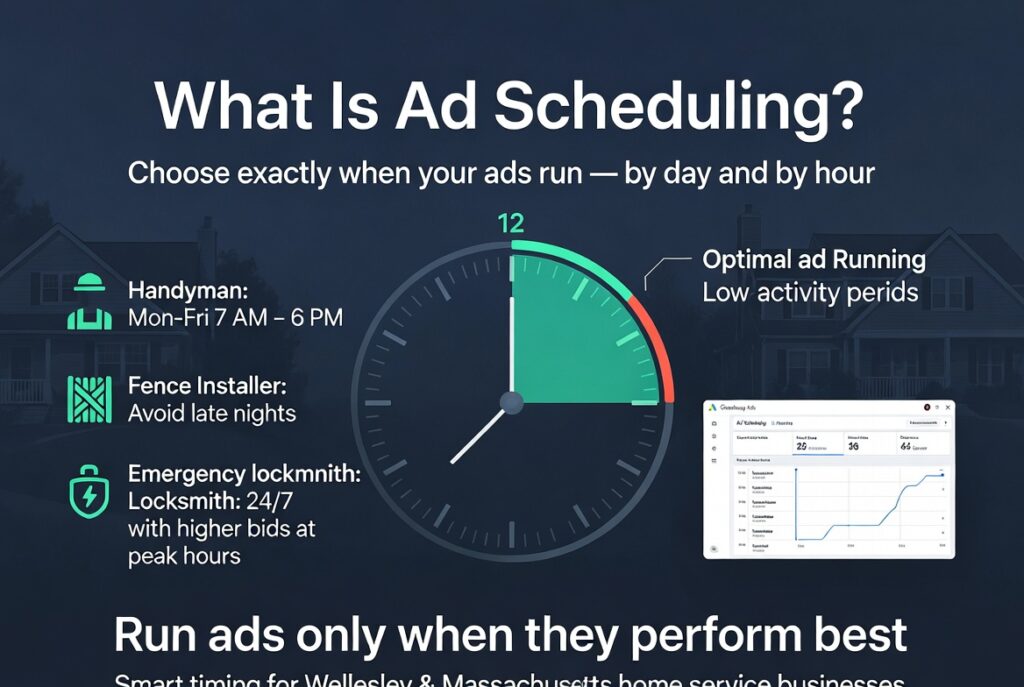
The goal is simple: put more budget into your best hours and less into weak ones.
Some advertisers still call this “dayparting,” but ad scheduling is the more common term now.
Why Ad Scheduling Matters for Home Service Businesses
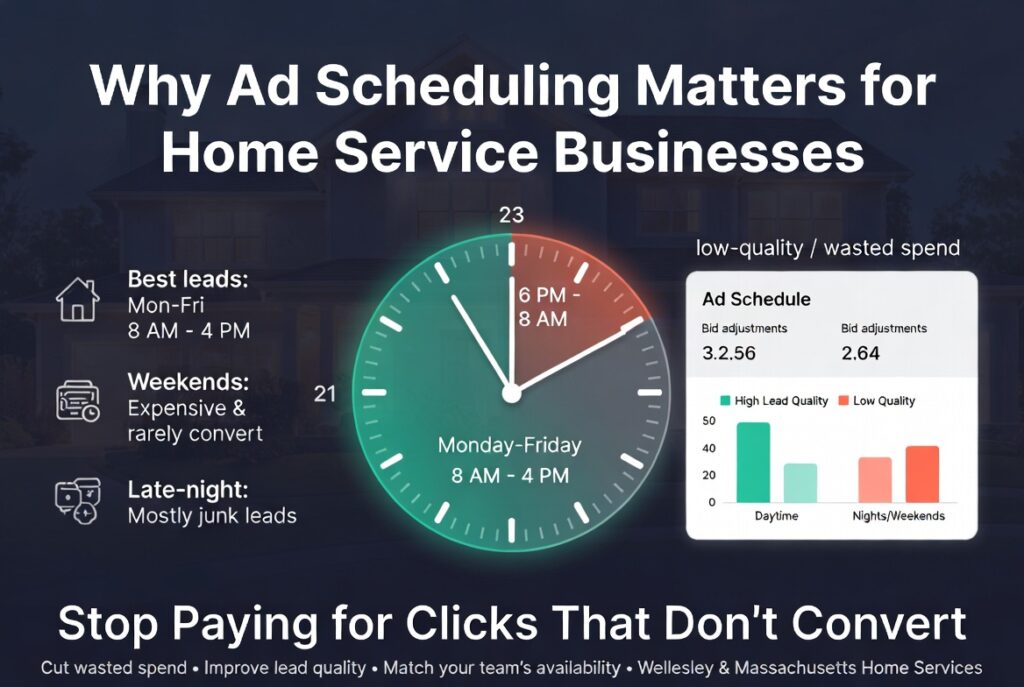
For local service companies, wasted clicks add up fast. If nobody is answering the phone, or if leads coming in at certain times never turn into booked work, you’re paying for traffic that doesn’t help your business.
Ad scheduling helps you:
- Cut wasted spend on low-quality hours
- Improve lead quality by focusing on times when customers are ready to act
- Match ad delivery to office hours or call-answering availability
- Support your sales process so leads come in when your team can respond fast
- Take back some control even in automated campaigns
Here’s a simple example.
Let’s say your Google Ads data shows:
- Best leads come in Monday–Friday from 8 a.m. to 4 p.m.
- Weekend clicks are expensive and rarely convert
- Late-night traffic gets calls, but most of them are junk leads
In that case, running ads 24/7 makes no sense. Tightening your schedule can lower cost per lead without lowering the number of real opportunities.
When You Should Not Cut Hours Too Fast
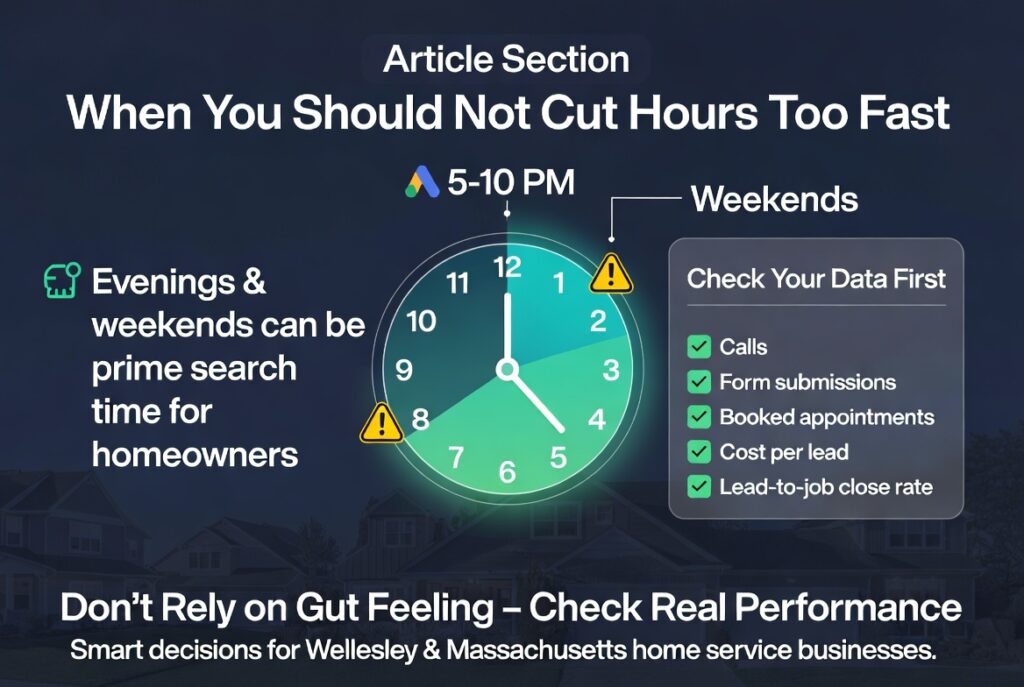
Ad scheduling is powerful, but don’t guess.
A common mistake is shutting off evenings or weekends too early just because those hours “feel” less valuable. For some trades, those are exactly the hours when homeowners finally have time to search.
Before making big changes, look at:
- Calls
- Form submissions
- Booked appointments
- Cost per lead
- Lead-to-job close rate
If possible, go one step further and check which hours actually produce revenue, not just clicks or leads.
Google Ads Ad Scheduling: How to Set It Up
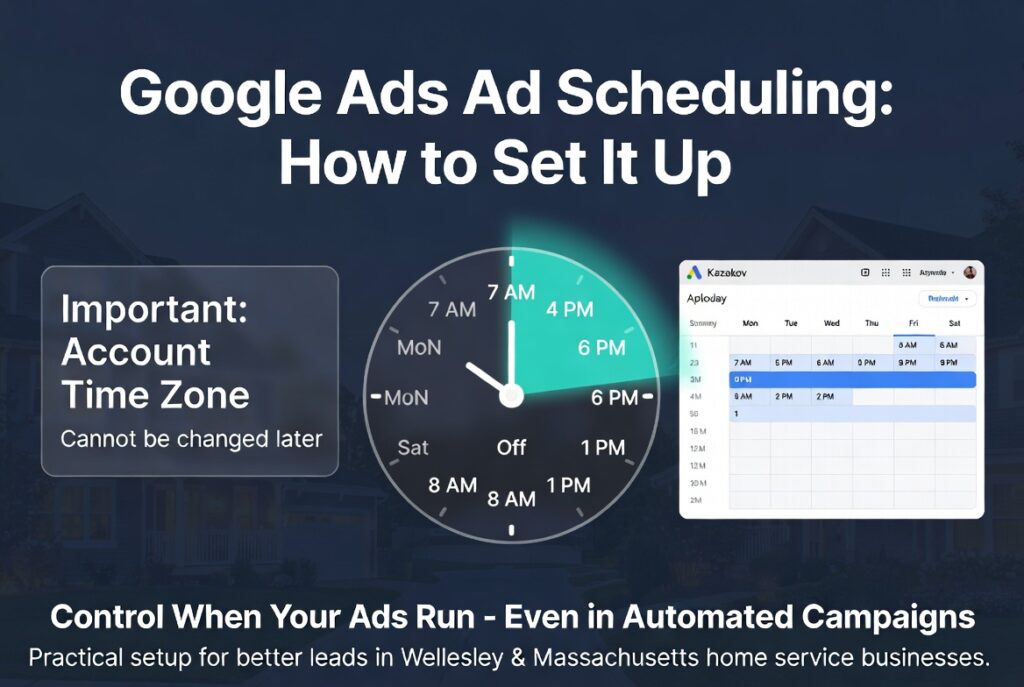
Google Ads lets you apply ad schedules at the campaign level, including many automated campaign types.
That matters because even when Google is doing most of the bidding and delivery work, scheduling still gives you a useful control lever.
Before you set a Google schedule, know these 3 things:
- Schedules follow your account time zone.
- Your Google Ads account time zone cannot be changed later.
- You only get one account time zone.
This is a big deal if you advertise across multiple U.S. time zones.
Example: if you want ads to run from 1 p.m. to 4 p.m. local time on both the East Coast and West Coast, Google won’t automatically adjust that for each viewer. You may need to stretch the schedule to cover both windows, or separate campaigns by region.
How to set it up in Google Ads:
- Review historical performance.
Go to reports like “when ads showed” or the ad schedule view. Look for performance by day and hour. - Find your best and worst time blocks.
Don’t just look at clicks. Check conversions, cost per lead, and if possible, actual sales outcomes. - Factor in your real operations.
If nobody answers the phone after 5 p.m., that matters. If your office is closed on Sundays, that matters too. - Build the schedule.
In the campaign settings, add the days and times you want ads to run. - Refine over time.
You can break schedules into smaller blocks, like mornings and afternoons, if your data supports it.
Practical example:
- Monday–Friday: 7 a.m. to 6 p.m.
- Saturday: 8 a.m. to 1 p.m.
- Sunday: off
That setup often works better than paying for random clicks at midnight.
Can You Still Run Ads 24/7?
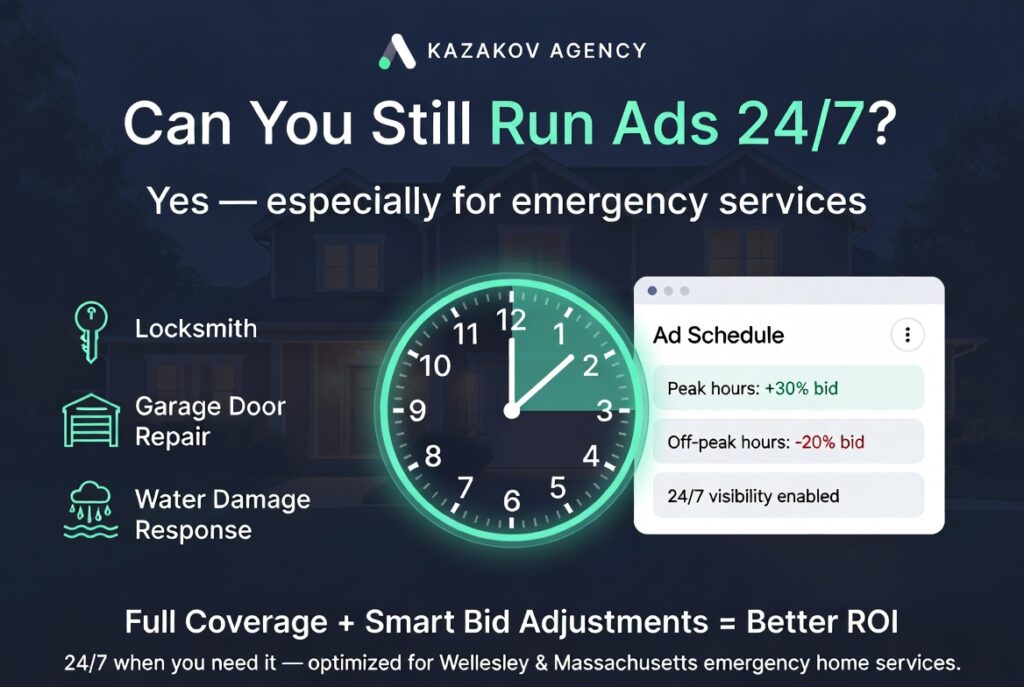
Yes. In some cases, that’s the right move.
If you offer emergency service—like locksmith work, garage door repair, or water damage response—you may need full coverage.
But even then, not every hour should be treated the same.
On Google Ads and Microsoft Ads, manual bidding strategies can allow bid adjustments by schedule. That means you can:
- Bid more during high-converting hours
- Bid less during weaker hours
- Stay visible 24/7 without paying the same price all day
This approach can work well when you need constant presence but still want to control efficiency through smarter ad scheduling.
Microsoft Ads Ad Scheduling: What’s Better About It?
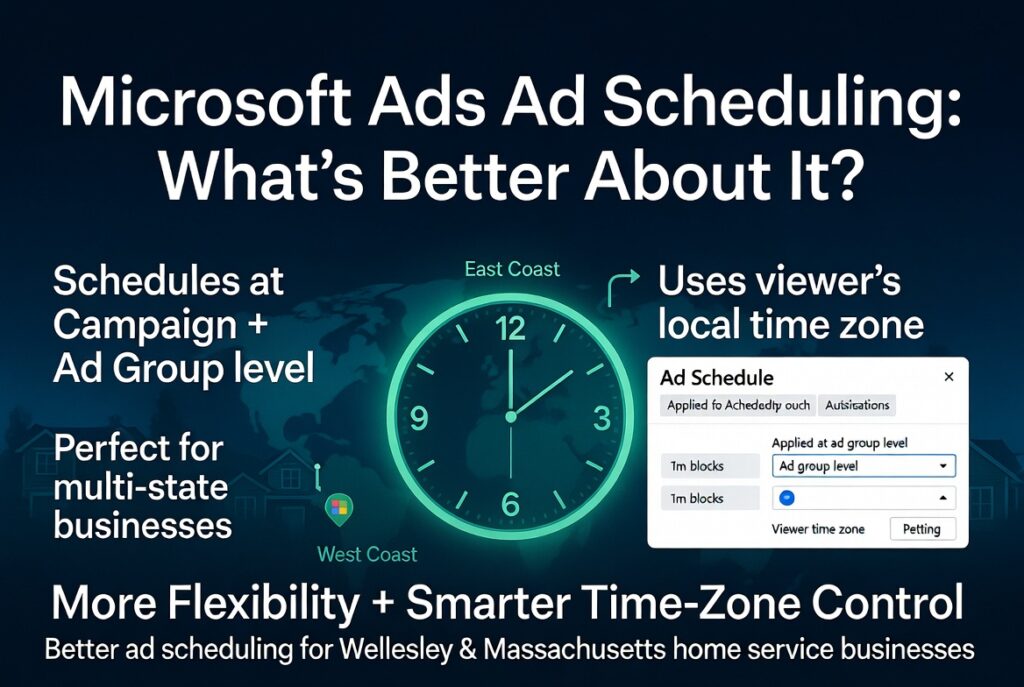
Microsoft Ads offers similar scheduling controls, but with a few advantages.
Two key differences:
- You can set schedules at the campaign level and the ad group level
- Scheduling can adjust based on the viewer’s time zone
That second point is especially useful for businesses serving multiple states.
Unlike Google Ads, Microsoft Ads can be easier to manage when time zones are part of the equation.
How to set it up in Microsoft Ads:
- Open the campaign or ad group you want to edit
- Go to ad schedule settings
- Review day and hour performance first
- Select the time blocks where performance is strongest
- Save and monitor results
One note: if you import campaigns from Google Ads into Microsoft, don’t assume the same schedule should stay in place. Because the platforms handle time differently, it’s worth checking schedules manually.
Meta Ads Ad Scheduling: When It Works
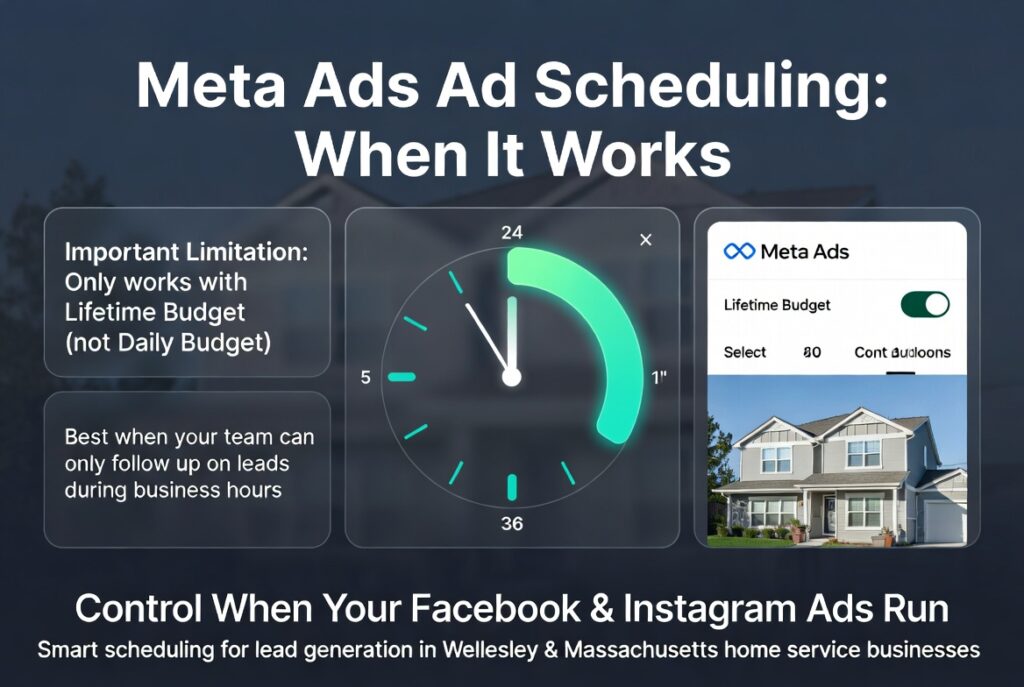
Meta ad scheduling works differently than Google and Microsoft.
The main limitation is this: you can only use ad scheduling with a lifetime budget, not a daily budget.
So if you’re running Facebook or Instagram ads for lead generation, and you want to control the hours, you’ll need to structure the campaign accordingly.
How to set it up in Meta Ads:
- Open the ad set
- Choose a lifetime budget
- Go to Budgets & Schedule
- Click Show More Options
- Select the days and times you want ads to run
This can be helpful if your team only follows up on leads during certain hours, or if you know your audience is much more active during specific times of day.
Best Practices Before You Change Your Ad Schedule
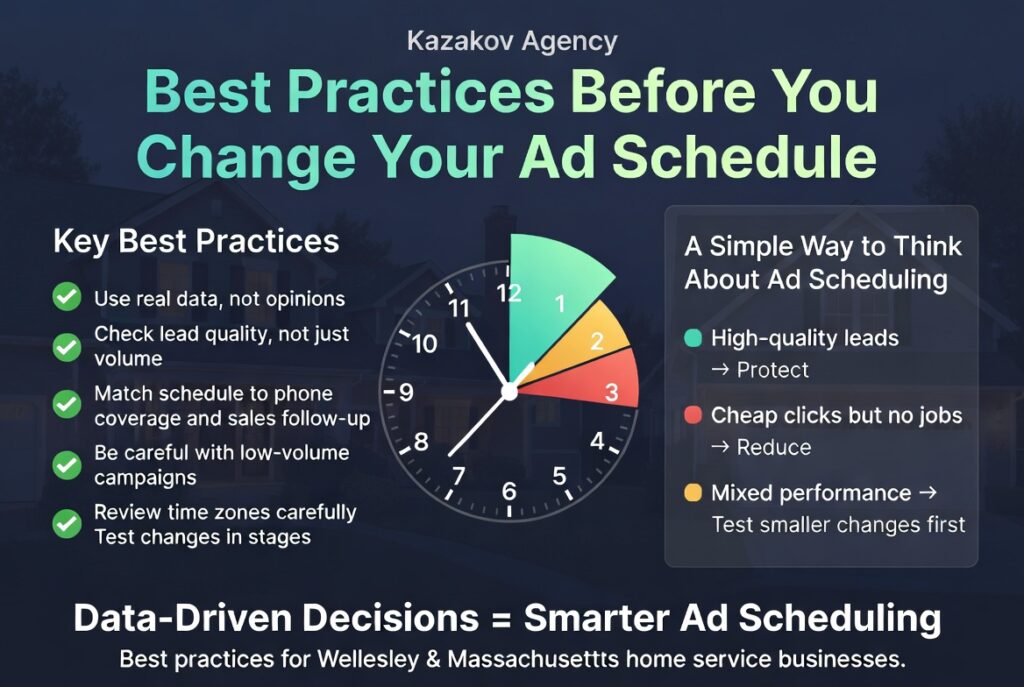
Before making scheduling changes, keep these rules in mind:
- Use real data, not opinions.
- Check lead quality, not just lead volume.
- Match your schedule to phone coverage and sales follow-up.
- Be careful with low-volume campaigns. If you don’t have enough data, big cuts can hurt performance.
- Review time zones carefully, especially in Google Ads.
- Test in stages. Don’t shut off half the week overnight unless the waste is obvious.
A Simple Way to Think About Ad Scheduling
If a time block regularly produces:
- cheap clicks but no jobs, reduce it
- high-quality leads, protect it
- mixed performance, test smaller changes first
That’s really what ad scheduling is: buying traffic more selectively.
Final Takeaway
Ad scheduling is one of the simplest ways to stop wasting budget in paid ads.
It won’t fix bad targeting, weak landing pages, or poor follow-up. But if your campaigns are already generating leads, tightening your schedule can improve efficiency fast.
For home service businesses, the right schedule often means:
- fewer junk clicks
- better lead quality
- faster response times
- more jobs from the same budget
If you’re not sure whether your ads are running at the right times, it’s worth reviewing the data. In a lot of accounts, there’s easy money being wasted after hours, on weekends, or during low-intent windows.
At Kazakov Agency, we help local service businesses build paid ad campaigns that generate real leads—not just traffic. If you want a second set of eyes on your campaign schedule, targeting, or lead flow, we’re happy to take a look.
Get Your Free Strategy Session

📌 Related Resources & Services
Main Service: Explore our comprehensive Google Ads Management Services.
Recommended Articles:
Next Step: Learn how we deliver measurable growth — Request a Marketing & Strategy Audit.