Google Ads Consultant Account Setup: Step by Step
Setting up Google Ads correctly is not an administrative formality—it determines whether a contractor can measure booked jobs, control access, and scale profitable campaigns. An experienced google ads consultant will configure ownership, billing, conversion tracking, and campaign structure before spending the first dollar. For ongoing strategy and optimization, explore our Google Ads Management Services.
Key Questions Answered & Business Benefits
- How should a contractor create and secure a business-owned Google Ads account?
- Which billing, location, and access settings must be correct from day one?
- How do you track qualified calls, forms, booked appointments, and revenue?
- What campaign structure prevents unrelated services and locations from sharing one budget?
- When does hiring a consultant reduce wasted spend and accelerate profitable growth?
Why a Google Ads Consultant Prioritizes Account Setup

Contractors often inherit accounts created by a former employee, freelancer, or lead-generation vendor. The business may pay the advertising bill without owning the login, conversion data, linked analytics properties, or historical performance records. Correct setup protects those assets and makes it easier to change agencies without rebuilding years of campaign intelligence.
Configuration also affects lead quality. A roofing campaign targeting an entire state, a plumbing account optimized for page views, or an HVAC campaign counting every phone call as a qualified lead can appear successful while producing little revenue. The account must reflect how the company actually operates: service lines, geographic coverage, dispatch capacity, margins, seasonality, and the actions that represent legitimate sales opportunities.
Before launch, establish a simple measurement hierarchy. A primary conversion should represent a meaningful lead, such as a connected phone call, completed estimate request, or confirmed online booking. Secondary actions—button clicks, map views, and short calls—can remain available for analysis without directing automated bidding toward low-intent activity.
Prepare Business Inputs Before Creating the Account
Collect the operational information needed to make setup decisions before visiting the Google Ads interface. At minimum, document the legal business name, billing address, preferred payment method, service-area ZIP codes, office locations, business hours, emergency-service availability, and the employees or partners who require account access.
Next, create a service and economics worksheet. List each service category, typical ticket value, gross margin, close rate, monthly job capacity, and acceptable customer acquisition cost. A contractor offering drain cleaning, sewer replacement, and water-heater installation should not treat those services as interchangeable: search demand, click costs, lead value, and sales cycles differ substantially.
Prepare the digital assets as well. Confirm access to the business website, Google Analytics 4, Google Tag Manager, Google Business Profile, call-tracking platform, CRM, and scheduling software. Use company-controlled email addresses wherever possible. An agency or consultant should receive managed access rather than becoming the sole owner of an essential property.
Google Ads Consultant Account Setup: Step by Step
- Use a company-controlled Google identity. Sign in with an email account the owner or authorized marketing leader can recover. Avoid building the account under a temporary employee’s personal Gmail address.
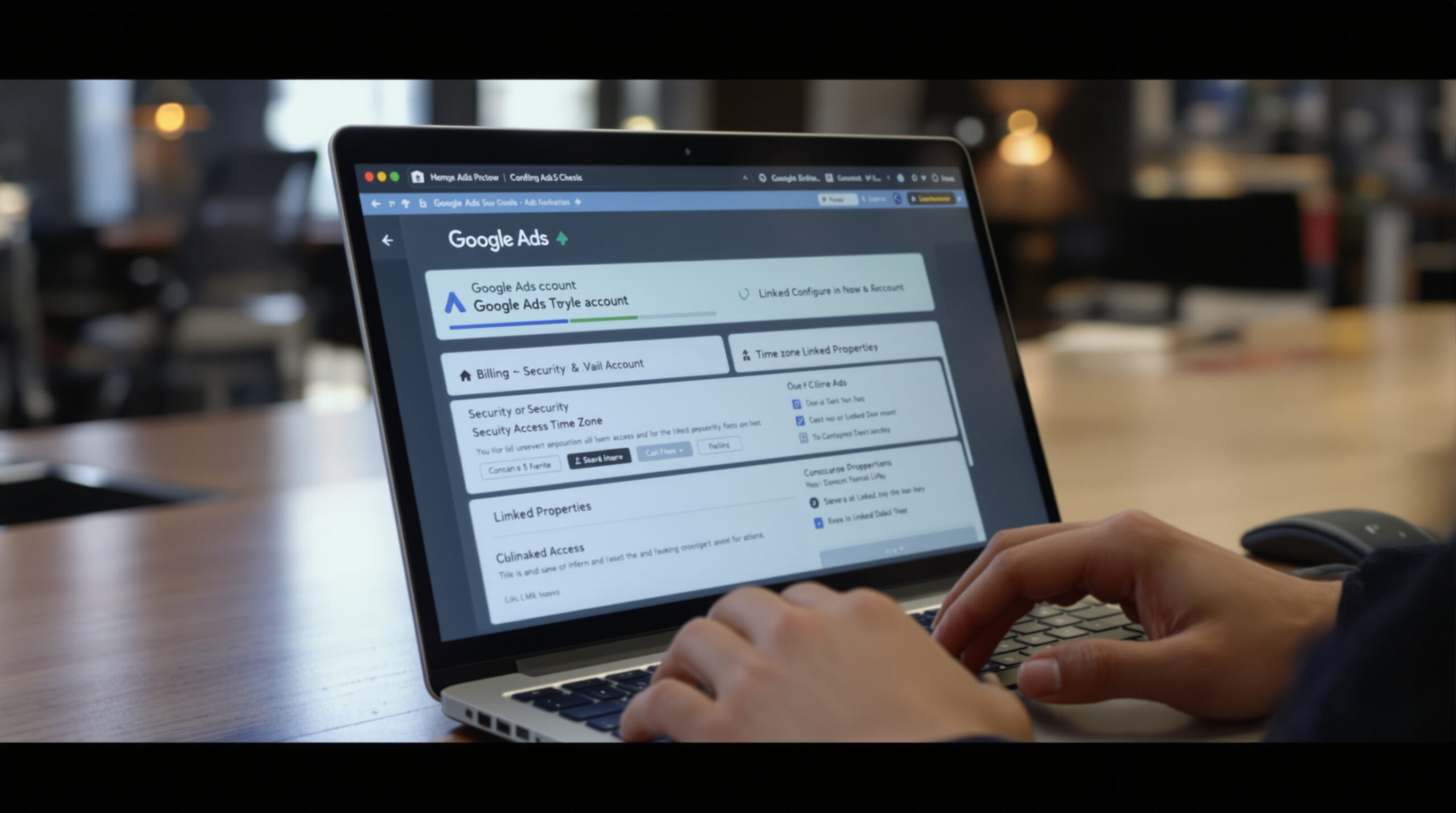
- Open Google Ads and choose the full account setup path. Google may encourage new advertisers to build a simplified campaign immediately. Look for the option to continue to the advanced interface or create the account without launching a campaign when that option is available. Interface labels can change, so consult the official Google Ads Help Center for current navigation.
- Confirm the business country, time zone, and currency. These settings govern reporting and billing and are generally difficult or impossible to change later. Select the time zone used by the company’s operational and financial reporting—not the consultant’s location.
- Create the billing profile. Enter the legal billing details, tax information where applicable, and a business-owned payment method. Confirm whether the account uses automatic or manual payments and assign an internal contact to monitor failed charges.
- Secure administrative access. Keep at least two trusted company administrators to reduce lockout risk. Grant employees, agencies, and vendors only the access level necessary for their responsibilities. Never share a single password among multiple users.
- Connect supporting platforms. Link the appropriate analytics, business profile, Merchant Center, YouTube, CRM, or other data sources relevant to the campaign. Verify that each linked property belongs to the correct business and location.
- Document ownership and account IDs. Save the customer ID, billing contact, administrator list, linked properties, tracking numbers, and recovery process in the company’s password manager or internal operations system.
Do not publish the automatically suggested campaign merely to finish onboarding. Build tracking, exclusions, targeting, and the campaign structure first. A rushed test campaign can spend meaningful budget before the business has a reliable way to distinguish qualified prospects from spam, vendors, existing customers, and job applicants.
Configure Conversion Tracking and Revenue Attribution

Conversion tracking should be designed around sales outcomes rather than website activity alone. For a local service company, primary conversions commonly include calls that exceed a meaningful duration, submitted quote forms, completed bookings, and qualified leads imported from the CRM. Importing closed-job data provides an even stronger signal because Google can learn which searches generated revenue—not merely inquiries.
Use Google Tag Manager or an equivalent controlled implementation to deploy tags consistently. Test every conversion on desktop and mobile, verify that thank-you pages cannot be refreshed to create duplicate leads, and ensure phone tracking swaps numbers only for eligible advertising visitors. Apply enhanced conversions when the business has the necessary consent and data-handling process.
Assign values based on expected economics when actual revenue is not yet available. For example, if a qualified sewer-repair lead closes at 30% and the average gross profit from a closed job is $3,000, its preliminary expected value is $900. Replace estimates with CRM-derived values as sufficient data accumulates.
Finally, separate primary and secondary actions. Calls under a qualification threshold, chat openings, email-link clicks, and visits to a contact page can support diagnosis but should not automatically carry the same bidding weight as completed estimate requests or booked appointments.
Build Campaign Structure, Targeting, and Budget Controls
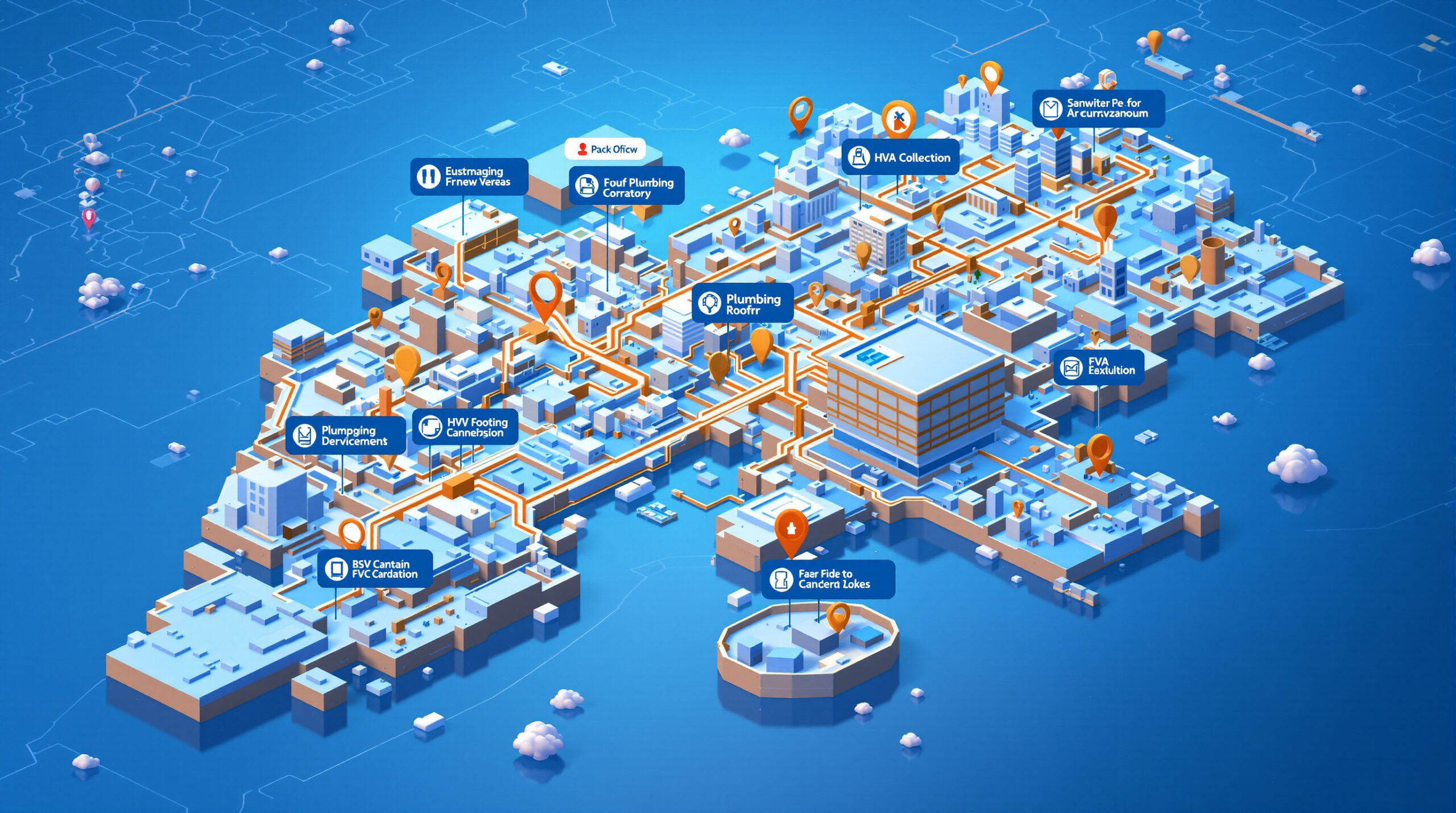
Structure campaigns according to meaningful business constraints. Separate services when they have different margins, landing pages, budgets, or sales priorities. Separate locations when crews, hours, offers, regulations, or market economics differ. This gives the contractor control over where each dollar is spent and prevents a high-volume, low-value service from consuming the budget intended for premium projects.
For local campaigns, use presence-based location targeting where appropriate and review the advanced location options carefully. Exclude areas the company cannot serve profitably, including distant ZIP codes, neighboring states, or territories outside licensing boundaries. Location names in keywords do not compensate for incorrect geographic settings.
Start with tightly themed ad groups and keywords reflecting real purchasing intent. A foundation contractor might separate foundation repair, basement waterproofing, crawl-space repair, and concrete leveling. Add negative keywords for employment, training, do-it-yourself research, free materials, and irrelevant service categories, then continue expanding the list from actual search-term data.
Set the initial daily budget from financial capacity rather than Google’s recommendation alone. A practical model considers acceptable cost per qualified lead, expected click cost, conversion rate, and required lead volume. Maintain a reserve for testing because early data will reveal which locations, devices, queries, hours, and services deserve more or less investment.
Google Ads Contractor Account Setup Benchmarks & Ownership Checklist
| Setup Layer | Default Agency Risk | Kazakov Agency Standard | Target Impact |
|---|---|---|---|
| Billing & Ownership | Agency owns account or marks up ad spend | 100% client Admin access; card billed directly by Google | Zero asset lock-in |
| Geo-Targeting | Default “Presence or interest” wastes out-of-area clicks | Strict “Presence” filter mapped to dispatch radius | Cuts wasted spend 15%–30% |
| Negative Firewall | Empty negative list on launch day | 2,500+ contractor negatives (DIY, jobs, wholesale parts) | Blocks junk clicks from Day 1 |
| Conversion Tracking | Counting page views or 5-second phone taps | GA4 + CallRail qualified calls (≥60s) & CRM revenue | Trains bidding on booked jobs |
Launch Checklist and When to Hire a Google Ads Consultant

Before enabling campaigns, verify account ownership, billing, time zone, conversion actions, landing pages, call routing, geographic settings, ad schedules, keyword match types, negative keywords, campaign budgets, and final URLs. Submit a real test lead and confirm that it appears correctly in Google Ads, analytics, the call-tracking system, and the CRM without duplication.
During the first two weeks, review search terms, location activity, lead recordings or dispositions, budget pacing, disapprovals, and conversion diagnostics frequently. Avoid making major conclusions from a handful of clicks, but stop obvious waste immediately. Search queries for jobs, free advice, unrelated products, or out-of-area services should not continue consuming budget while the account gathers data.
A specialized google ads consultant becomes valuable when the account spans multiple services or markets, monthly spend is material, tracking is unreliable, or the owner cannot connect advertising performance to booked revenue. The consultant should explain how decisions map to margins and capacity, provide transparent access, document changes, and report qualified leads and sales—not hide behind impressions or raw conversion totals.
The final standard is straightforward: the contractor owns the account and data, every important lead can be traced, budget follows business priorities, and optimization is based on revenue quality. When those foundations are in place, Google Ads becomes a controllable customer-acquisition system rather than an unpredictable expense.
Frequently Asked Questions
Who should own a contractor’s Google Ads account during agency onboarding?
The contractor should always hold primary Admin ownership and direct billing on the Google Ads account. Linking an agency through a Google Ads Manager Account (MCC) grants campaign management access while protecting historical conversion data, negative keyword lists, and creative assets if you change providers.
What conversion events should a Google Ads consultant configure before launching campaigns?
Configure primary conversion actions for answered inbound phone calls over 60 seconds via dynamic number insertion, completed quote forms, and offline CRM closed-job imports. Secondary micro-conversions such as map clicks should stay set to observation only so automated bidding optimizes for booked revenue.
How much wasted spend does proper Day-1 geo-targeting and negative keyword setup save?
Switching location targeting to strict Presence and applying a pre-built contractor negative keyword firewall typically eliminates 15% to 35% of wasted clicks in the first 30 days by blocking DIY researchers, job seekers, parts shoppers, and out-of-territory searchers.

About the Author & First-Hand Field Methodology
Alexandr (Alex) Kazakov is the Founder & Lead Digital Strategist at Kazakov Agency (Wellesley / Greater Boston, Massachusetts), a Google Ads Partner, and a licensed Massachusetts Home Improvement Contractor (#212524).
Verified Contractor Proof: Every playbook on this site is built from active contractor account audits—including cutting a Los Angeles fence contractor’s Google Ads CPA by 85% ($1,334 to $189 across 589 leads) and generating 605 qualified leads in 92 days for a Florida auto body shop. Explore our verified case studies, transparent retainer pricing, or alexandrkazakov.com.
Last reviewed & updated for Google Search & AI Visibility: November 2026.
📌 Related Resources & Services
Main Service: Explore our comprehensive Google Ads Management Services.
Recommended Articles:
Next Step: Learn how we deliver measurable growth — Locksmith Google Ads Lead Gen Case Study.